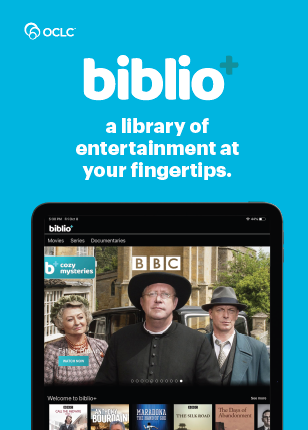
Our library collection is too small to host physical DVDs, but we now have streaming available for library patrons to enjoy from the comfort of their homes!
biblio+
Step 1)
Go to the biblio+ website on your computer OR download the biblio+ app on your apple, android, or other supported device.

Step 2)
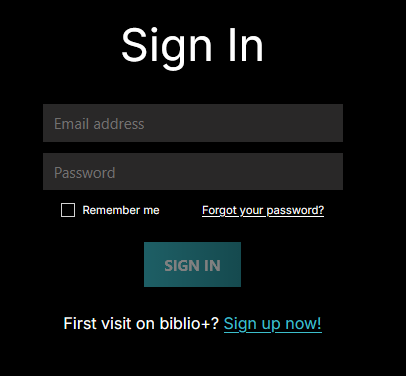
For your first visit on biblio+, click the blue “Sign up now!” button at the bottom of the sign in page.
Step 3)
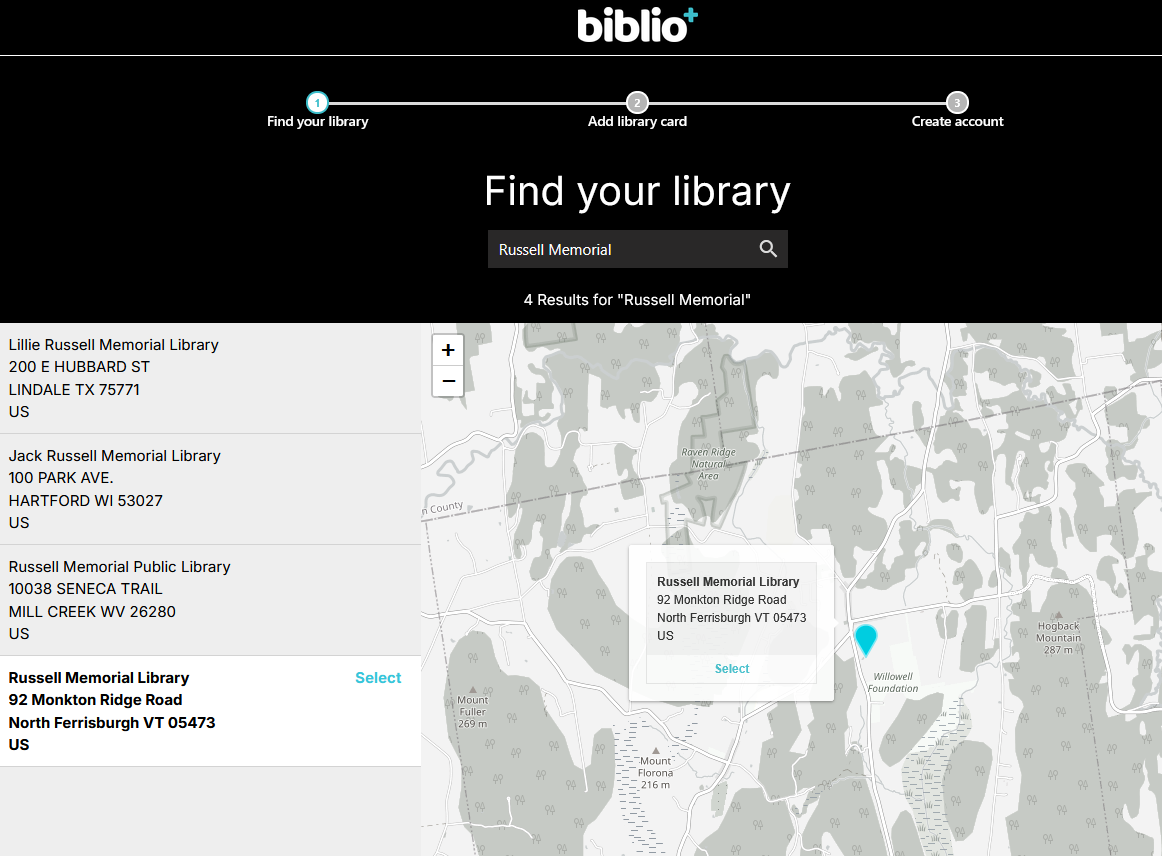
Click/tap the big blue “Find Your Library” button, then in the box at the top of the page type in “Russell Memorial” and choose us from the list.
Step 4)
Type in your FULL library number (including all of the 2v6td00000) in ALL CAPITAL LETTERS just as you would for the Libby audio/ebook app.
Step 5)
Fill in your information in the prompts provided and check the box to agree to the Terms and Privacy Policy.
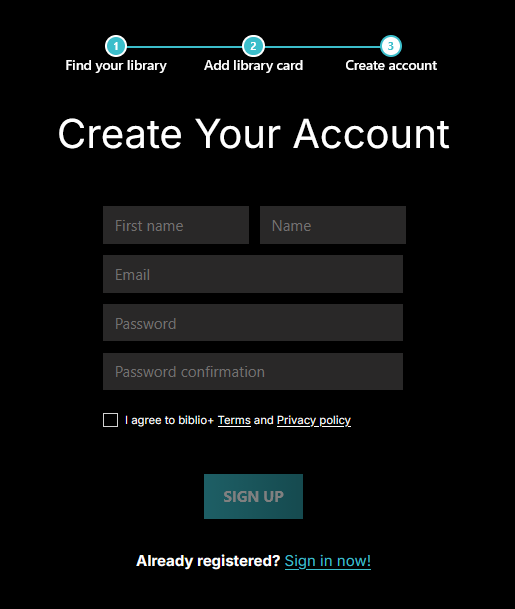
Then click the “Sign Up” button.
Step 6)
Watch all the free stuff!
Troubleshooting:
biblio+ won’t accept my library card number!
Remember to type the letters of your library card number in ALL capital letters. It won’t accept lower case ones. Also check that you have the right number of zeroes.
Something else has gone wrong!
Email or call us (802-453-4471) and we’ll see what we can do to help!

